
Catch Customer Problems Early. Protect Your Reputation Automatically.
Turn Customer Complaints Into Opportunities to Improve.
Customer complaints are easier to manage when the right people know about them quickly. 10XAI uses intelligent feedback automation to identify service concerns, alert your team, organize follow-up, and help resolve problems before they damage valuable customer relationships.
Customer Feedback Alerts • Automated Workflows • Service Recovery Tracking
"The technician arrived later than expected, and nobody called to explain the delay."
— Sarah Mitchell · Fictional Example
Communication / Late Arrival
High PriorityService Manager notified
Awaiting Follow-UpAssigned
Service Mgr
Priority
High
Status
New
Know What Customers Think After Every Service Appointment.
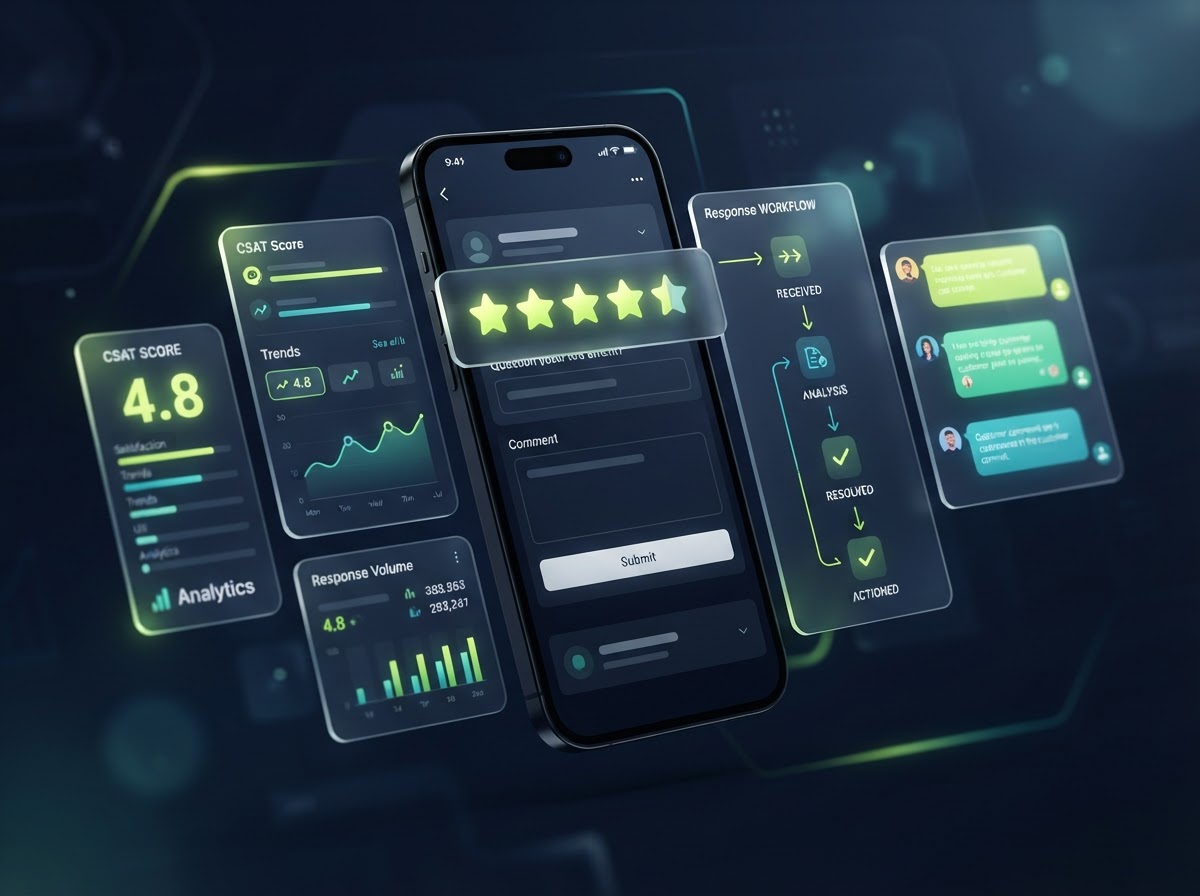
Every completed job ends with a simple satisfaction survey. 10XAI reads the responses instantly — happy customers get a thank-you, moderate feedback routes to a friendly follow-up, and dissatisfied customers trigger an internal recovery case for your team before a bad review ever goes public.
Illustrative demo data — not actual customer reviews.
Small Customer Problems Become Bigger Problems When Nobody Follows Up.
Busy service companies handle dozens of customer interactions every day. When complaints are scattered across calls, emails, reviews, and conversations, important concerns can go unnoticed.
Missed Customer Complaints
Customer concerns can become buried in busy inboxes and everyday operations.
Slow Response Times
Without clear alerts and ownership, customers may wait longer than necessary for answers.
Unorganized Follow-Up
When nobody owns the issue, customers may need to repeat their concerns.
Repeat Service Problems
Without feedback tracking, management may miss recurring problems that need attention.
10XAI connects customer feedback, intelligent alerts, and structured recovery workflows into one coordinated system.
Turn Customer Feedback Into Faster Action.
Six ways organized recovery workflows pay off for your team and your customers.
Identify Concerns Automatically
Use customer surveys and supported review alerts to recognize service problems that need attention.
Alert Management Faster
Send automatic internal notifications when a complaint requires review.
Assign the Right Employee
Create follow-up tasks and route issues to the appropriate team member.
Track Every Recovery Case
Follow complaint progress from first acknowledgement through resolution.
Reduce Manual Follow-Up
Use automated reminders and communication workflows to keep cases moving.
Improve Customer Relationships
Demonstrate that your business listens, responds, and takes genuine customer concerns seriously.
Watch How 10XAI Turns a Complaint Into a Recovery Workflow.
Experience a simulated customer feedback process — from the initial concern to a documented service resolution.
Business
Demo HVAC Company
Customer
Sarah Mitchell
Fictional Example
Job
Air Conditioning Repair
Satisfaction
2 / 5
"The technician arrived later than expected, and nobody called to explain the delay."
Feedback Received
Customer survey submission captured after a completed service.
Concern Detected
Workflow identifies a communication-related complaint from the low score.
Management Alerted
Internal notification: “Customer Concern Detected — Attention Needed.”
Recovery Task Created
Case DEMO-1042 created, assigned to Service Manager, High priority.
Customer Contacted
Follow-up message drafted to acknowledge the concern and offer a call.
Issue Resolved
Visitor confirms resolution. Case marked closed — demonstration only.
Simulated workflow demo. No actual customer records are created by these controls.
See How the Recovery Workflow Responds to Your Score.
Run the simulated post-service survey yourself. Internal recovery workflows respond to your answers — but every eligible customer keeps the same neutral public review opportunity.
Customer Satisfaction Survey
Simulated demo form
Survey Results
Awaiting Submission
Rate the service and submit to see how the recovery workflow responds.
The satisfaction score influences only internal support prioritization — it never controls access to public review opportunities.
Recognize the Problem. Route It to the Right Person.
Try the complaint classification demo. Sample feedback classification using local demonstration rules.
Try an example:
Triage Result
Awaiting Analysis
Enter feedback and click "Analyze Feedback" to see the suggested routing.
Sample feedback classification using local demonstration rules. Sentiment classification is not a definitive determination of customer intent.
Alert the Right Person Before a Complaint Gets Overlooked.
Configure simulated notification channels and watch the alert move from detection to assignment.
Notification Settings
Demonstration controls only
Priority
Notification Center
Customer
Demo Customer
Issue
Late arrival / communication
Status: Awaiting Follow-Up
Real notifications require configured workflows and valid recipients. No actual SMS or email is sent by this demonstration.
Every Customer Concern. One Organized Recovery Pipeline.
Drag cards between stages, or use the keyboard-accessible “Advance” button. Closing a case requires a resolution note.
New Concern
2Late Service Arrival
Sarah Mitchell
Assigned: Service Manager
Billing Question
James Carter
Assigned: Unassigned
Manager Assigned
1Follow-Up Repair
Linda Park
Assigned: Service Supervisor
Customer Contacted
1Communication Concern
Robert Nguyen
Assigned: Office Manager
Resolution In Progress
0Resolved
0Closed
0Activity Log
No activity yet. Move a card to begin.
Moving a card into “Resolved” does not imply the underlying problem was fixed. Closing requires a documented resolution note. All data is simulated.
Professional Follow-Up Without Starting From Scratch.
Generate a sample customer recovery message based on complaint type, tone, and channel.
Message Settings
Recovery Message Preview
Select complaint type, tone, and channel, then click "Generate Message".
AI-assisted response example. Review before sending. No real message is sent by this demo.
Set Up Your Recovery Process. Let Automation Keep It Moving.
Seven connected stages from feedback collection to measurable improvement.
Collect Customer Feedback
Use forms, surveys, and other authorized feedback sources.
Identify Customer Concerns
Detect lower satisfaction scores or customer issues needing attention.
Notify Management
Send the appropriate internal notification through configured workflows.
Create a Recovery Case
Create or update a contact-linked CRM opportunity when the customer's identity is known and properly available.
Assign Follow-Up
Route the issue to the appropriate employee or department.
Communicate & Resolve
Use appropriate customer communication and document actions taken.
Track & Improve
Monitor resolution time, recurring complaints, and customer satisfaction trends.
Important integration note
The “New Review Received” workflow trigger can detect supported public reviews without identifying a matching CRM contact. Do not automatically create or update a customer-specific CRM opportunity from an anonymous public review unless a verified contact association has been established. For unmatched public reviews, use an internal notification, external incident system, or approved human triage process.
Two Intelligent Workflows. One Stronger Customer Experience.
Private recovery and public review management stay separate but connected to a shared dashboard.
Private Customer Feedback
May contain contact details — eligible for contact-linked recovery workflows.
Sources
Actions
Public Online Reviews
Not automatically matched to CRM records — requires human verification.
Sources
Actions
Private feedback is not a substitute for giving dissatisfied customers an honest public review opportunity. Both workflows operate independently.
Protect Your Reputation the Right Way.
10XAI helps businesses manage genuine customer feedback ethically. Our systems are designed to improve customer experience — not manipulate review ratings.
Fair Review Invitations
Invite all eligible customers without filtering based on satisfaction scores.
No Review Suppression
Do not prevent or discourage customers from sharing honest negative feedback.
Separate Customer Support
Use private service recovery workflows to resolve problems without making public reviews conditional.
Authentic Customer Experiences
Never fabricate reviews, purchase ratings, or offer prohibited incentives.
Resolving a complaint does not automatically remove or improve a public review. We do not offer discounts or compensation in exchange for editing or deleting reviews, and we never reveal Google review links only to customers who give high satisfaction scores.
Built for the Customer Service Challenges of Your Industry.
Select an industry to see typical complaints, triggers, and recovery workflows.
HVAC
Industry recovery example
Typical Complaint
Technician arrived late.
Automated Trigger
Low communication or timeliness satisfaction score.
Assigned Department
Dispatch Manager.
Recommended KPI
Time to first acknowledgement.
Recovery Workflow
Survey → Alert → Follow-Up Call → Scheduling Review → Resolution.
What Could Better Customer Follow-Up Mean for Your Business?
Model your recovery volume and potential future customer value.
Recovery Value Scenario
- Monthly recovery cases
- 12
- Current modeled resolved cases
- 6
- Improved modeled resolved cases
- 9
- Additional modeled resolutions / month
- 3
- Potential future revenue / month
- $2,250
- Potential annual revenue opportunity
- $27,000
Illustrative scenario only. Resolving a complaint does not guarantee customer retention or future purchases. Revenue estimates depend on assumptions and do not represent projected profit.
Discover My Customer Recovery OpportunitiesKnow What's Going Wrong — and What's Getting Better.
Illustrative Dashboard — a preview of recovery analytics.
11
Open Complaints
47
Resolved Cases
1h 45m
Avg Time to First Response
2.1 days
Avg Resolution Time
Customer Satisfaction Trend
Resolved cases over period (sample data)
Cases by Issue Category
| Case ID | Customer | Issue | Priority | Status |
|---|---|---|---|---|
| DEMO-1042 | Sarah Mitchell | Late Arrival | High | Open |
| DEMO-1044 | Linda Park | Unresolved Repair | High | In Progress |
| DEMO-1039 | Tom Reed | Communication | Normal | Resolved |
Illustrative Dashboard. Sample figures only — not real 10XAI customer performance data.
Stop Managing Customer Complaints Through Scattered Messages.
Compare manual customer recovery with 10XAI automated recovery workflows.
| Business Activity | Manual Customer Recovery | 10XAI Automated Recovery |
|---|---|---|
| Complaint Detection | Relies on staff noticing | Configured triggers and alerts |
| Manager Notification | Email or verbal handoff | Internal workflow notification |
| Task Assignment | Ad hoc process | Assigned follow-up tasks |
| Customer Follow-Up | Staff-dependent reminders | Scheduled workflow reminders |
| Case Tracking | Notes and spreadsheets | Recovery pipeline |
| Resolution Reporting | Difficult to summarize | Organized dashboard data |
| Recurring Issue Analysis | Informal observations | Categorized customer feedback |
Powered by Intelligent CRM Automation
10XAI connects your customer feedback forms, CRM activities, and supported review sources to automated workflows that notify your team, create tasks, and help track customer concerns — all from your connected CRM account.
Technical Configuration Blueprint
- 1Create a customer satisfaction survey under Sites → Surveys.
- 2Configure required form fields and appropriate consent notices.
- 3Create CRM custom fields for Satisfaction Score, Complaint Category, Customer Feedback, Assigned Manager, Recovery Status, and Resolution Date.
- 4Go to Automation → Workflows and create a workflow using the Survey Submitted trigger.
- 5Filter by the applicable survey.
- 6Use If/Else conditions to classify low and moderate satisfaction scores.
- 7Create or update a recovery opportunity in the appropriate pipeline.
- 8Assign the follow-up owner and send internal notifications.
- 9Create a follow-up task.
- 10Notify staff if the case remains unresolved after a defined period.
- 11Update case status when a verified resolution event occurs.
- 12Send a closure survey when appropriate.
Not every workflow action is available in every subscription plan. Account configuration, messaging availability, integration support, and usage charges may vary.
Complaint Priority & Escalation Rules
Select a priority level to see proposed acknowledgement targets. Star ratings alone do not determine seriousness.
Proposed Acknowledgement Target — High
Within 2 business hours
These are proposed 10XAI service-level targets, not guaranteed response times. Do not rely solely on star rating to determine seriousness — context and category matter.
Keep Customers Informed From First Contact to Final Resolution.
Example Workflow Timeline — expand any event to see details.
Example Workflow Timeline. Not real customer data.
Connect Customer Recovery With a Complete Reputation Management System.
Pair recovery automation with the rest of the 10XAI reputation suite.
Automated Google Review Generation
Turn completed jobs into consistent opportunities to earn authentic customer reviews through automated SMS and email requests.
AI Review Response Automation
Save time with AI-assisted customer review responses that maintain a professional, consistent brand voice.
Reputation Analytics
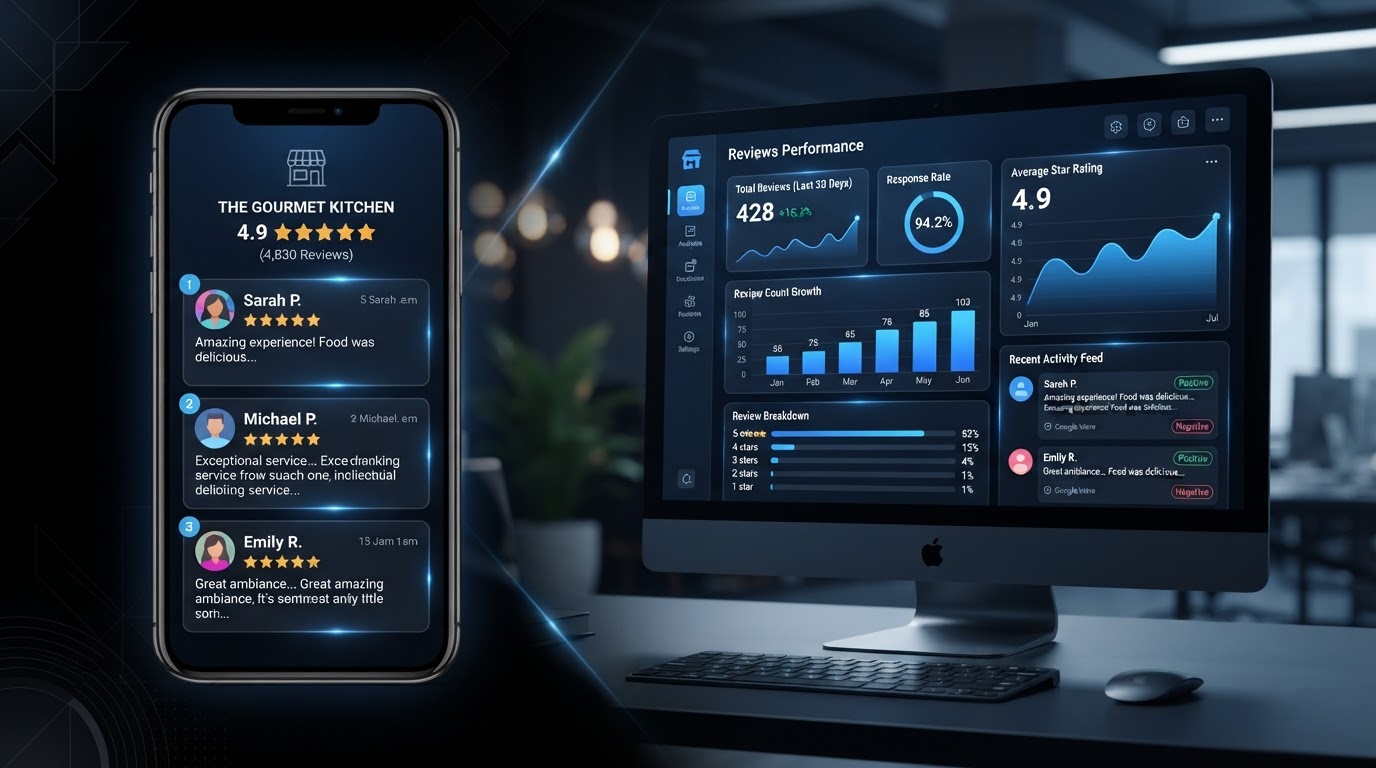
Track review growth, customer feedback, response activity, and reputation trends from organized dashboards.
Customer Recovery Solutions That Grow With Your Business.
Reputation Pro is our recommended tier for customer feedback automation and recovery workflows.
10XAI Review Builder
For businesses ready to build a stronger online reputation.
- Automated review invitations
- SMS/email request workflows
- Basic review monitoring
- Website review widget
- Review activity dashboard
10XAI Reputation Pro
More automation. Faster responses. Better customer insights.
- Everything in Review Builder
- AI-assisted review responses
- Negative review alerts
- Customer feedback automation
- Service recovery workflows
- Monthly reputation reports
10XAI Reputation Commander
Advanced reputation management for growing businesses.
- Everything in Reputation Pro
- Advanced analytics
- Competitor benchmarking
- Multi-location options
- Video testimonial collection
- Local listings management options
- Priority support
Customer Feedback & Recovery Automation FAQs
Clear answers about how customer feedback and recovery automation works.
Don't Let an Unresolved Complaint Cost You a Valuable Customer.
Build a smarter customer service process with 10XAI.
From automatic feedback alerts to organized service recovery and professional follow-up, 10XAI helps your business respond to customer concerns with greater speed and consistency.
No Obligation • Customized Business Recommendations • Intelligent Automation